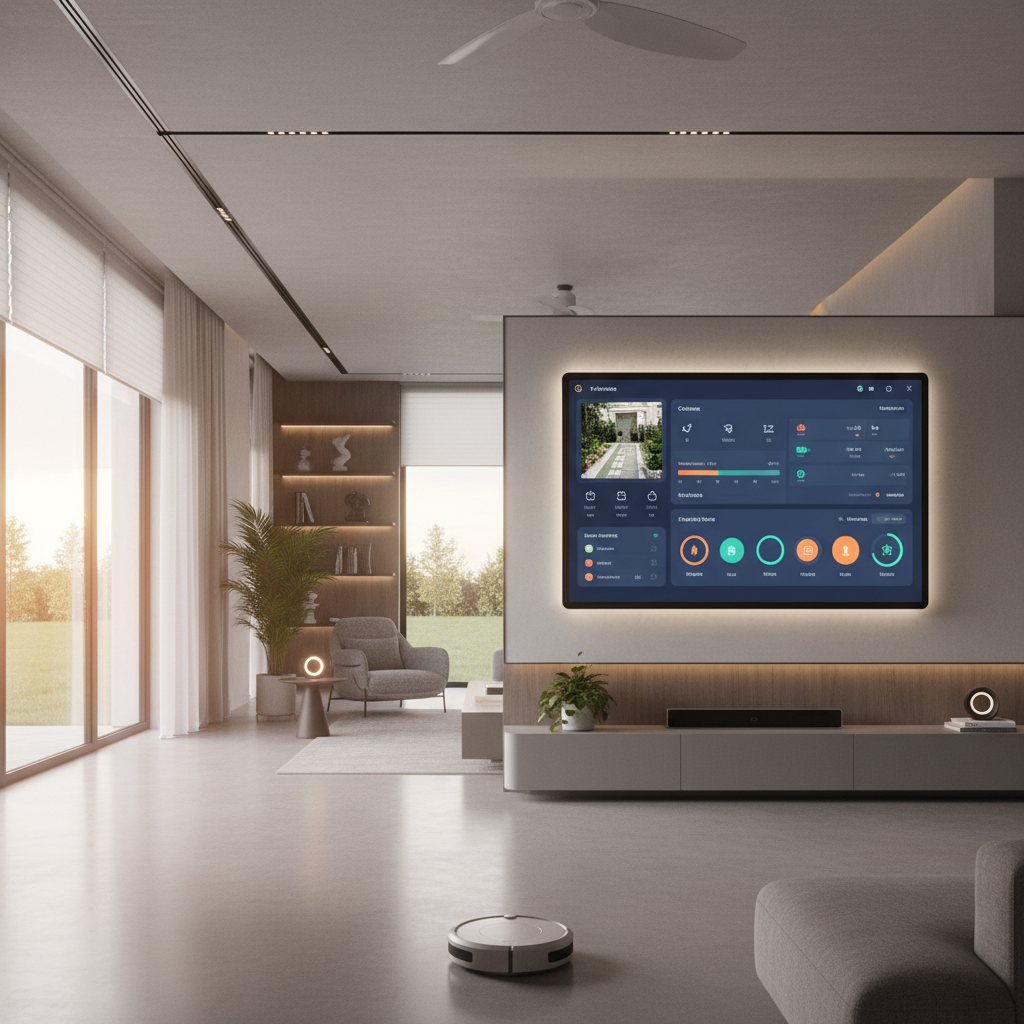
Your smart home can do a lot of things. It can control lights, manage energy, run automations, and respond to your voice. But there's one thing most smart homes never do: they never remember anything. They never learn. They never think.
Until now.
What if your smart home didn't just control your environment—it documented it? What if every decision you made, every pattern you created, every optimization you discovered got logged, analyzed, and available for future reference? That's the intersection of Home Assistant and Obsidian. And honestly, it's become the most useful hack in my entire home automation setup.
The Problem: Home Automation Without Memory
Home Assistant is incredible. It's the central nervous system of my house. It monitors 100+ sensors, runs dozens of automations, and handles everything from solar charging to HVAC optimization. But here's the thing nobody talks about: all that data is ephemeral. It flows through Home Assistant, triggers automations, and then disappears into logs that nobody reads.
You make a brilliant optimization at 2 AM. "Hey, the grid is charging cheap right now. Let me run the dishwasher." Great decision. But three months later, when you're trying to remember why you did that or when it's best to run appliances? That knowledge is gone. You're starting from scratch.
That's a huge missed opportunity.
Obsidian, on the other hand, is a note-taking system that makes thinking visible. It's perfect for capturing observations, connecting ideas, and building a personal knowledge base. But it's passive. It only contains what you manually type into it.
What if we married these two? What if Home Assistant automatically fed data into Obsidian, creating a living, breathing journal of your home? That's what I've built, and it's changed how I think about home automation.
The Setup: How Home Assistant Talks to Obsidian
Here's what my system does:
- Home Assistant continuously monitors my home (temperature, solar battery, Tesla charge status, grid rates)
- Automations trigger when interesting things happen (PV battery low, super off-peak charging starts, solar generation peaks)
- REST API calls push data to a folder in my Obsidian vault
- Daily notes automatically create with current sensor data embedded
- I review and annotate each morning, turning raw data into insights
The magic happens in Home Assistant's "automation" and "webhook" features. When my solar battery hits 100%, Home Assistant makes an HTTP call that creates a timestamped entry in my Obsidian vault. "Solar battery maxed at 2:34 PM. Cloudy day. Good opportunity to run heavy loads."
Nothing fancy. Just data flowing from sensors into your personal knowledge base.
Real Examples: What This Actually Looks Like
Example 1: Energy Optimization Discovery
Three weeks of logging showed me that my heat pump runs more efficiently at specific times. Obsidian was full of notes like "Heat pump running in morning = 3.2 COP" vs "Heat pump running at night = 2.1 COP." Over a month of accumulated data, a pattern emerged. I could adjust schedules to match those windows and reduce energy use by 15%.
That insight came from having a searchable, connected record of home performance. Without Obsidian capturing it, I never would have noticed.
Example 2: Tesla Charging Patterns
Home Assistant logs every time my Tesla charges, how long it took, how much it cost, and grid conditions at that time. My Obsidian "Tesla Charging Journal" is a running record I can query. "What was my cheapest charge ever?" Obsidian tells me. "When did I charge to 90% vs 80%?" I can search it. "How does weather affect charging speed?" The data is there.
Again, Home Assistant captures all this automatically. I just made sure it goes somewhere I can actually use it.
Example 3: Home Occupancy Patterns
When I'm away, when I work from home, when people are in different rooms—all logged automatically. Over time, I can see which automations make sense and which don't. "Nobody's ever in the guest room on Wednesdays, so why am I controlling that thermostat?" Data-driven home automation instead of guessing.
The Technical Side (Don't Worry, It's Not Scary)
You don't need to be a developer to do this. Here's the basic flow:
Step 1: Create a Home Assistant Automation
automation solar_battery_full:
  trigger:
    platform: numeric_state
    entity_id: sensor.spartina_solar_battery_soc_mean
    above: 99
  action:
    service: rest_command.log_to_obsidian
    data:
      title: "Solar Battery Full"
      content: "Battery at 100% at {{ now() }}"
Step 2: Set Up a REST Command
rest_command:
  log_to_obsidian:
    url: "http://your-obsidian-publish-url"
    method: POST
    payload: '{"content": "{{ content }}"}'
Step 3: Obsidian Receives the Data
The data lands in your vault as timestamped entries. You review them, add context, connect ideas.
That's it. No complex programming needed. Just connect two systems that are already powerful on their own.
Why This Actually Matters
Home automation is fun, but it's only valuable if it leads to actual improvements. Most people set up automations and then never think about them again. "The thermostat automatically does something, I guess."
When you combine Home Assistant with Obsidian, you create a feedback loop. Data gets captured. You review it. You notice patterns. You make adjustments. You see the results. That's how you go from "cool gadgets" to "actual optimization."
Plus, there's something deeply satisfying about having a searchable record of how your house works. "How often does the heat pump cycle?" Obsidian tells you. "What's my average daily solar generation?" It's there. "How has my energy usage changed since I optimized the charging window?" You can see it.
Your home becomes transparent. And transparency is where optimization begins.
The Limitations (Be Real)
This isn't a cure-all. Some limitations:
- It requires initial setup. You have to think about what data matters to you and set it up to flow into Obsidian. It's not magic.
- Data can get overwhelming. If you log too much, Obsidian becomes noise instead of signal. Be selective.
- You actually have to review it. Logging data that you never look at is pointless. Schedule time to review and annotate.
- Privacy matters. Keep this stuff local. Don't send your home data to the cloud unnecessarily.
But if you're willing to do the work upfront, the payoff is real.
Future Ideas: Where This Could Go
Right now, I'm manually reviewing and annotating. But imagine AI getting involved here. "Jarvis, analyze my Obsidian vault and tell me the top 3 ways I could optimize my home further."
That's coming. And when it does, having months of detailed, searchable home data is going to be incredibly valuable. The AI will have context. It'll know your patterns. It'll make smarter suggestions.
For now, the value is in having a record and reviewing it yourself. But the foundation is there for something bigger.
How to Start
If this sounds interesting to you:
- Install Home Assistant if you haven't already
- Pick ONE sensor you care about (solar battery, Tesla charge, temperature)
- Create ONE simple automation that logs it to Obsidian
- Review it for a week. Get a feel for the data.
- Expand from there. Add more automations as you see the value.
Start small. Let it evolve. Don't try to log everything at once.
Final Thoughts
Smart homes are supposed to make your life better. But most smart homes are dumb—they just follow pre-programmed rules without learning anything.
By connecting Home Assistant to Obsidian, you create something different. You create a home that remembers. A home that has a history. A home whose performance you can analyze and improve.
Is it geeky? Absolutely. Is it overkill? Maybe. But is it valuable? Definitely. And honestly, if you're the kind of person reading this, it's probably right up your alley.