I've been in IT for about thirty years. I've watched DNS change approximately never — and somehow also cause every outage I've ever had to explain to a VP at 11 PM on a Friday. So when I retired and built a home lab that now runs 60-plus clients and servers, you'd think I would have kept the network simple. And in some ways I did. In other ways I installed two Pi-hole instances and a recursive DNS resolver on my home network, which tells you everything you need to know about me.
This is a writeup of my home lab DNS setup: pfSense as the router and firewall, Pi-hole for ad-blocking and DHCP, and Unbound running as a recursive resolver underneath all of it. No cloud DNS. No ads. No monthly fees to some service that's logging every query my devices make. Just a setup that works — and that I will absolutely spend three hours debugging at some point for no reason I can adequately explain.
Let's get into it.
The Network: One Flat VLAN and No Apologies
I'm going to get this out of the way up front, because the home lab internet has opinions: I run one flat network. No VLANs. No segmentation into Management, Services, IoT, and Guest zones. One subnet — 192.168.0.x — and every one of my 60-plus devices lives on it.
I know what some of you are thinking. I've read the blog posts. I've watched the YouTube videos about VLAN segmentation and zero-trust home networking and "if your smart plug gets compromised you're done." I appreciate the enthusiasm. I spent three decades doing enterprise networking. I understand the theory.
Here's what I also understand: this is my house. The threat model for my home network is not the same as a hospital or a financial institution. My primary adversary is my own tendency to overcomplicate things and then not document what I did. A flat network keeps that under control.
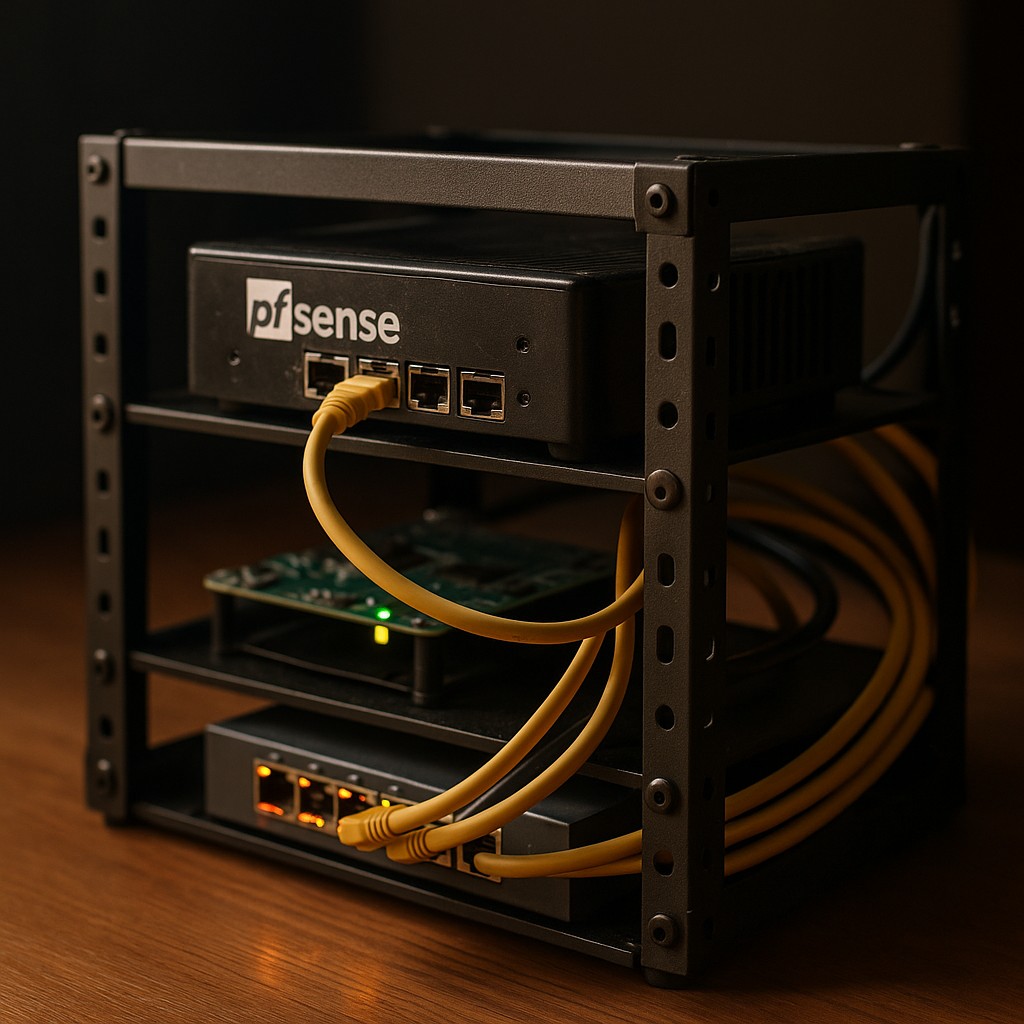
pfSense handles routing and firewall duties. It's solid, it's well-supported, and it does everything I need without requiring me to subscribe to anything or give my data to anyone. If you're building a pfsense home network from scratch, you could do worse than starting there.
DHCP runs on the primary Pi-hole — more on that in a moment. Wireless clients get addresses dynamically. That's almost everything that isn't a server. Phones, tablets, laptops, smart home devices — they all get DHCP and they all sit on the same subnet as everything else.
Servers get static IPs. Not everything — just the machines that need to be reliably reachable. And speaking of servers...
The Server Roster (Yes, They're All Named After St. Louis Cardinals)
All of my servers are named after St. Louis Cardinals players and managers. I want to acknowledge that this is completely irrational and also non-negotiable. I've been a Cardinals fan since before most home lab enthusiasts were born, and if I'm going to be SSH-ing into machines at 2 AM because something broke, the least I can do is make sure the server name puts me in a good mood.
- Musial (
192.168.0.31) — Ubuntu ARM64. This is the main box: OpenClaw gateway, vLLM inference server on port 8000, and local Ollama on port 11434. Named after Stan Musial, the greatest Cardinal of all time, which is why it's running the most important services. Fitting. - McGwire (
192.168.0.25) — macOS, Docker host running OrbStack, Ollama. Named after Mark McGwire. Also the server that inherited all the containers when LaRussa got decommissioned in March 2026. There's a metaphor in there somewhere. - Pujols (
192.168.0.5) — Secondary host. Albert Pujols. Need I say more. - Brock — 12TB of storage, runs VMs and LXC containers for testing, and serves as the backup server for the entire lab. Lou Brock, Hall of Famer, speed demon — and in this case, the guy holding onto everything that matters. Weekly backups from every other server land here on an external drive. If the house burns down and Brock survives, we're fine.
- Molina — Runs Home Assistant on UTM (a macOS virtualization framework). Yadier Molina, arguably the greatest defensive catcher in history, running the most mission-critical service in the house — the one that controls the lights, the HVAC, and whether the batteries charge overnight. No pressure.
LaRussa — named after manager Tony La Russa — was decommissioned in March 2026. His Docker containers were migrated to McGwire. He had a good run. We don't talk about it.
Pi-hole: It Does More Than Block Ads
Most people who've heard of Pi-hole think of it as "the thing that blocks ads on your whole network." That's accurate but incomplete. Here's what Pi-hole is actually doing in my setup:
Ad and tracker blocking at the DNS level. When any device on the network tries to resolve a domain that Pi-hole knows is an ad server or tracker, it returns a null response. The ad never loads. The tracking pixel never fires. This works for every device on the network — phones, smart TVs, whatever — without any browser extension required. It's one of the few things in the home lab world that genuinely improves daily life for everyone in the house.
DHCP for the entire network. Pi-hole runs the DHCP server for all wireless clients. This is actually a feature, not a workaround — running DHCP through Pi-hole means DNS and DHCP stay coordinated. When a device gets an address, Pi-hole knows its hostname. That shows up in the query log, which is useful when you're trying to figure out which device decided to phone home at 3 AM and to whom.
Two Pi-hole instances, synchronized. Single point of failure is not my style — see: thirty years in IT, many of them on-call. I run two Pi-hole servers: the primary handles DHCP and day-to-day resolution, and the secondary runs on McGwire. If one goes down, the other picks up DNS resolution without clients noticing. The two instances stay in sync via Nebula Sync, which replaced the older gravity-sync tool. Blocklists, local DNS records, DHCP reservations — all of it stays consistent between the two servers. It's genuinely low-maintenance once it's set up.
One thing that's worth calling out about a home lab DNS setup like this: the value isn't just the ad blocking. It's the visibility. Pi-hole gives you a query log for your entire network. You can see exactly what every device is trying to reach. You'll learn things about your smart home devices that will make you deeply uncomfortable. You'll block them anyway, and they'll usually still work fine, which is its own kind of revelation.
Unbound: Going Recursive
Here's the part that trips people up when they first look at pi-hole dns setups: Pi-hole is a DNS sinkhole, not a resolver. It decides what to block, but for everything it doesn't block, it has to ask something upstream for the actual answer.
The default answer for most people is: use 8.8.8.8 (Google), or 1.1.1.1 (Cloudflare), or your ISP's resolver. Which works — but every unblocked DNS query still goes to a third party who can log it, analyze it, sell it, or have a bad day and lose it.
My answer is: Unbound.
Unbound is a validating, recursive, caching DNS resolver. In plain terms: instead of forwarding queries to someone else's resolver, Unbound starts at the DNS root and walks the tree itself. It asks the root servers who's authoritative for .com. It asks the .com nameservers who's authoritative for example.com. It asks those nameservers for the actual record. It caches the answer. The whole chain stays on my network.
This is what self-hosted DNS actually means — not just running Pi-hole in front of Google's DNS, but cutting Google (and everyone else) out of the resolution chain entirely.
In my setup, Unbound runs alongside Pi-hole. Pi-hole handles the blocking layer and the DHCP coordination. Anything that makes it through Pi-hole's blocklists gets forwarded to Unbound, which resolves it recursively and returns the answer. The two services work together cleanly — Pi-hole doesn't need to know how Unbound does its job, and Unbound doesn't need to know what Pi-hole is blocking.
The unbound recursive resolver setup does have one practical tradeoff: the first time you visit a domain you haven't visited before, there's a slightly longer wait while Unbound walks the chain. After that, it's cached. In practice, on a warm cache, it's fast. The privacy and independence tradeoff is worth it. Your mileage may vary if you're the kind of person who can't tolerate an extra 50 milliseconds. I am retired. I have time.
TTL and Caching: Why Unbound Gets Faster Over Time
Here's the part that most home lab DNS guides skip over: TTL — Time to Live. Every DNS record comes with a TTL value, measured in seconds. That number tells Unbound how long it's allowed to cache the answer before it has to go ask again.
A typical website might set a TTL of 300 seconds (5 minutes). A CDN might set 60 seconds. Some domains set TTLs as long as 86400 seconds (24 hours). Unbound respects these values — when a record's TTL expires, the next query for that domain triggers a fresh recursive lookup. Until then, it's served from cache in microseconds.
What this means in practice: the longer Unbound runs, the warmer its cache gets, and the faster your DNS feels. Most of the domains you hit daily — Google, Reddit, your smart home cloud services — get cached quickly and stay cached. The cold-start penalty only hits once per TTL window.
You can also configure Unbound to serve stale cache entries while it refreshes in the background (serve-expired: yes), which means even expired records get an instant response while the fresh lookup happens asynchronously. It's one of those settings that costs nothing and makes the experience noticeably smoother.
Pi-hole + Unbound: What the Stack Actually Looks Like
To make it concrete, here's the query path when any device on my network makes a DNS request:
- Device sends a DNS query to the primary Pi-hole
- Pi-hole checks the query against its blocklists
- If blocked: Pi-hole returns a null response. End of story.
- If allowed: Pi-hole forwards the query to Unbound
- Unbound checks its cache
- If cached: returns immediately
- If not cached: Unbound performs a full recursive lookup from the root, caches the result, returns it to Pi-hole, which returns it to the device
The whole thing runs locally. Nothing leaves the network except the Unbound queries themselves — and those are split across the root servers and authoritative nameservers, which makes it substantially harder for any single party to build a profile of your browsing activity compared to sending everything to 8.8.8.8.
For anyone building a home lab dns setup from scratch, this stack — pfSense → Pi-hole (with DHCP) → Unbound — is a solid, well-documented path. The documentation for both Pi-hole and Unbound is good. The community support is good. The main mistake I see people make is skipping the redundant Pi-hole setup. Don't do that. DNS is foundational. When DNS breaks, everything breaks — and "DNS is down" is an embarrassing thing to have to say about your own home network.
Backups: Not Optional, Not Up for Discussion
Thirty years in IT gives you exactly one strong opinion about backups: they are non-negotiable. Not "nice to have." Not "I'll set that up eventually." Non-negotiable.
Every server in this lab gets backed up weekly. Complete backups go to an external drive on a different server — not the same machine that's being backed up. If a server fails, the backup isn't on the same box. I've watched too many people learn this lesson the hard way to let it happen in my own house.
The backup strategy isn't complicated. It doesn't need to be. What it needs to be is reliable, tested, and consistent. Weekly. Every week. No exceptions. A backup you've never restored from is a hypothesis, not a backup. I restore from these periodically. They work.
What I Don't Do (And Why It's Fine)
Since every home lab article apparently requires a "here's what I'm not doing" section:
I don't run VLAN segmentation. Covered above. I've made my peace with this and the network runs fine.
I don't assign static IPs to every device. Servers get static IPs. Everything else gets DHCP from Pi-hole. The hostnames are visible in the Pi-hole query logs. That's enough.
I don't forward DNS to Cloudflare as a fallback. If Unbound is down, Pi-hole fails to resolve non-blocked queries. That's a failure mode I'm comfortable with, because it's loud — you notice immediately — and it pushes me to fix the underlying problem rather than silently fall back to sending queries to a third party.
I don't run more hardware than I need. LaRussa is gone. The containers moved to McGwire. Running fewer machines means fewer things to maintain. This is a lesson that takes most home labbers a while to learn.
The Bottom Line
Home lab networking doesn't have to be complicated to be effective. pfSense handles routing and firewall. Two Pi-hole instances — synchronized via Nebula Sync — handle ad blocking and DHCP with redundancy. Unbound handles recursive DNS resolution locally, keeping queries off third-party resolvers. Static IPs for servers, DHCP for everything else. Complete backups to an external drive on a separate machine.
The result is a network where I have full visibility into DNS traffic, no ads on any device in the house, no external dependency for DNS resolution, and enough redundancy that a single failure doesn't take everything down. All of it running on hardware named after Cardinals players, because why would I name them anything else.
If you're building a pfsense home network with Pi-hole and Unbound for the first time, the stack I've described is a reasonable target. The setup takes a weekend if you've never done it. The maintenance is low. The payoff — in privacy, speed, and visibility — is real.
And if your DNS does break at 2 AM on a Friday night, at least you'll have a server named Musial to SSH into. That's worth something.